A public site people can use. A site people will actually open.
I design and build websites for small organizations and the internal tools behind them when email and spreadsheets stop working.
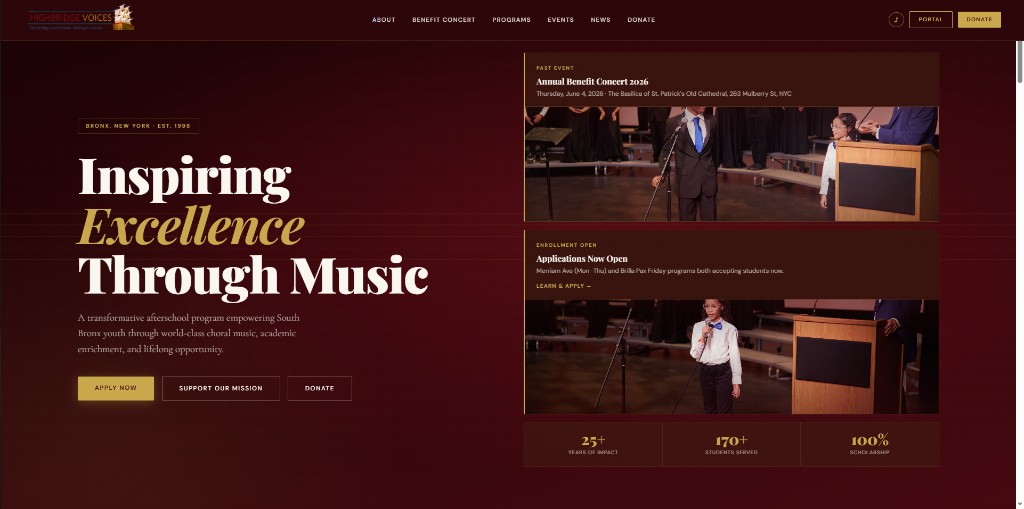
The window below is the Highbridge Voices homepage, live at
highbridgevoices.org.
A Bronx youth choir needed a public website that could take applications and donations,
and a private portal so staff and students were not running the year out of inboxes and spreadsheets.
I was the only developer. Both are in production at
highbridgevoices.org.
Problem
The public site was a WordPress leftover that was hard to update. Concert pages, program applications,
and donation flows kept breaking or lagging behind the season. Inside the organization, rehearsal music
lived in messy unsorted cabinets and spreadsheets that kept dissapearing, the calendar was wherever someone last emailed it, and attendance and roster
work happened offsite.
Solution
I rebuilt the public site programs, apply, donate, benefit concert, news and built a staff/student
portal on React, Node, Express, and PostgreSQL. JWT login with roles. Announcements, calendar, choir
tracks (unique IDs, A–Z, filter by voice part), roster, attendance, applications, and a music/audio library.
Deployed on Vercel and Railway. I still ship the seasonal pages.
Result
Staff and students use the portal during the school year. The public site handles enrollment and fundraising.
When the benefit concert needed tickets, ads, and an electronic journal, those
went onto the same site instead of a one off tool.
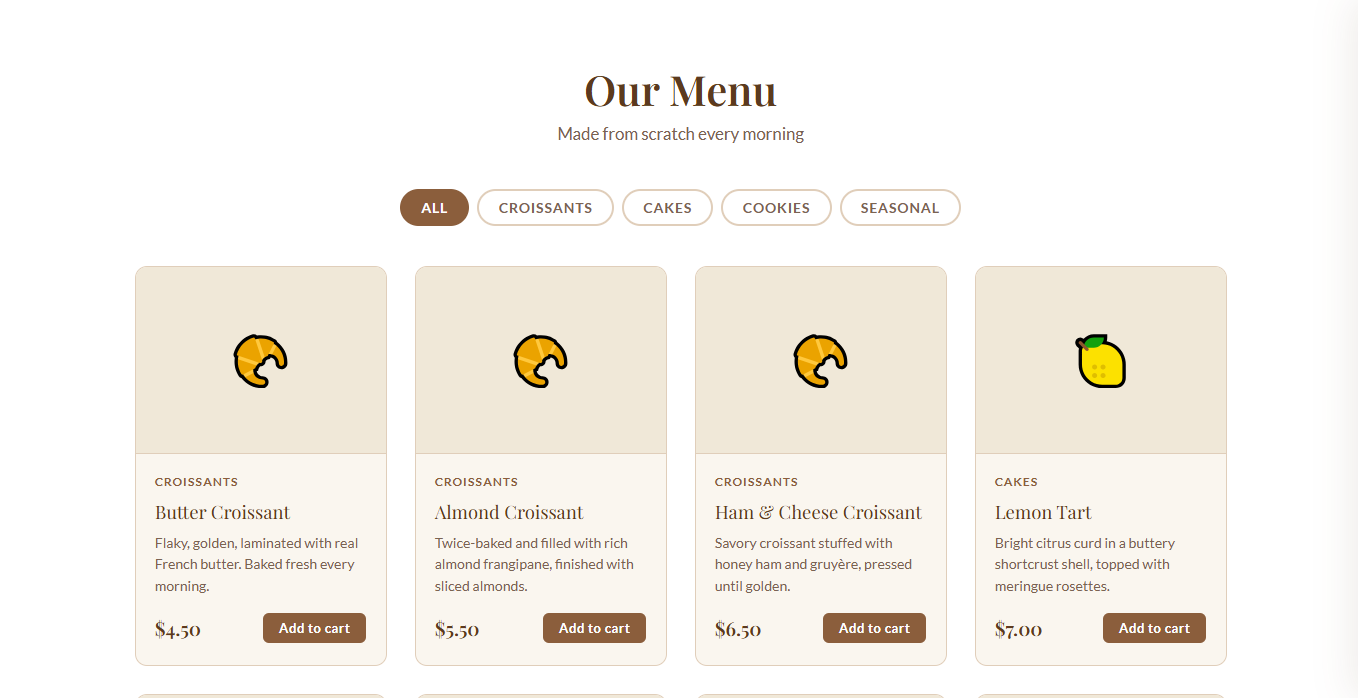
A bakery storefront I designed and built as a reusable template: public menu, cart,
Stripe checkout or pay on pickup, email order notices, and an admin dashboard.
The live demo is not hosted yet. When it is, this window will open it.
Pick the tier that matches the job. If you need a poster or a logo pack, I am not the person.
If you need a site — or something with moving parts behind it — I am.
Personal site
$2,500
A public site for one person — freelancer, consultant, artist, or job-seeker. Who you are, what you have done, how to reach you.
One long page or 3–5 pages, designed and built
Mobile layout
Contact form
Launch on hosting I set up
Two rounds of revisions
Where most organizations land
Organization site
$6,000
Programs, events, applications, donations, and pages that change through the year. Typical for a school, clinic, or nonprofit that needs more than a personal page.
Bookings, e-commerce, memberships, internal tools, or anything with moving parts. Price depends on the job.
Scoped to what you need
Accounts, payments, or dashboards if the work needs them
Timeline set together
Ongoing support available
Quote after we map the work
Process
How the work actually goes
Same sequence for every job a personal site, an organization site, or something custom.
If a step is missing, the site looks finished and then nobody can run it.
Map how you work today
Who visits, who updates the site, what people need to find, fill out, or buy.
I write that down before I open a design file. A personal site, a clinic, and a membership tool
all start here the answers are just different.
Draw the pages
Sitemap first. If the job has bookings, a shop, accounts, or a dashboard, the flows and
fields come next so we are not inventing them in week six. You see the structure and say
what is wrong while it is still simple to change.
Build it and put it in front of you
I design and develop the thing myself. You get a staging URL and click through before
we go live and before any old site comes down, if there is one.
Stay after launch
Sites do not freeze on launch day. Events, products, forms, and new pages show up later.
I keep a maintenance relationship so those land on the same site instead of a new vendor
each time.
Contact
Email me the job
Say which tier you think you are, who the site is for, and when you need it live.
I read everything. If it is a bad fit I will say so.